


 CJMY
CJMY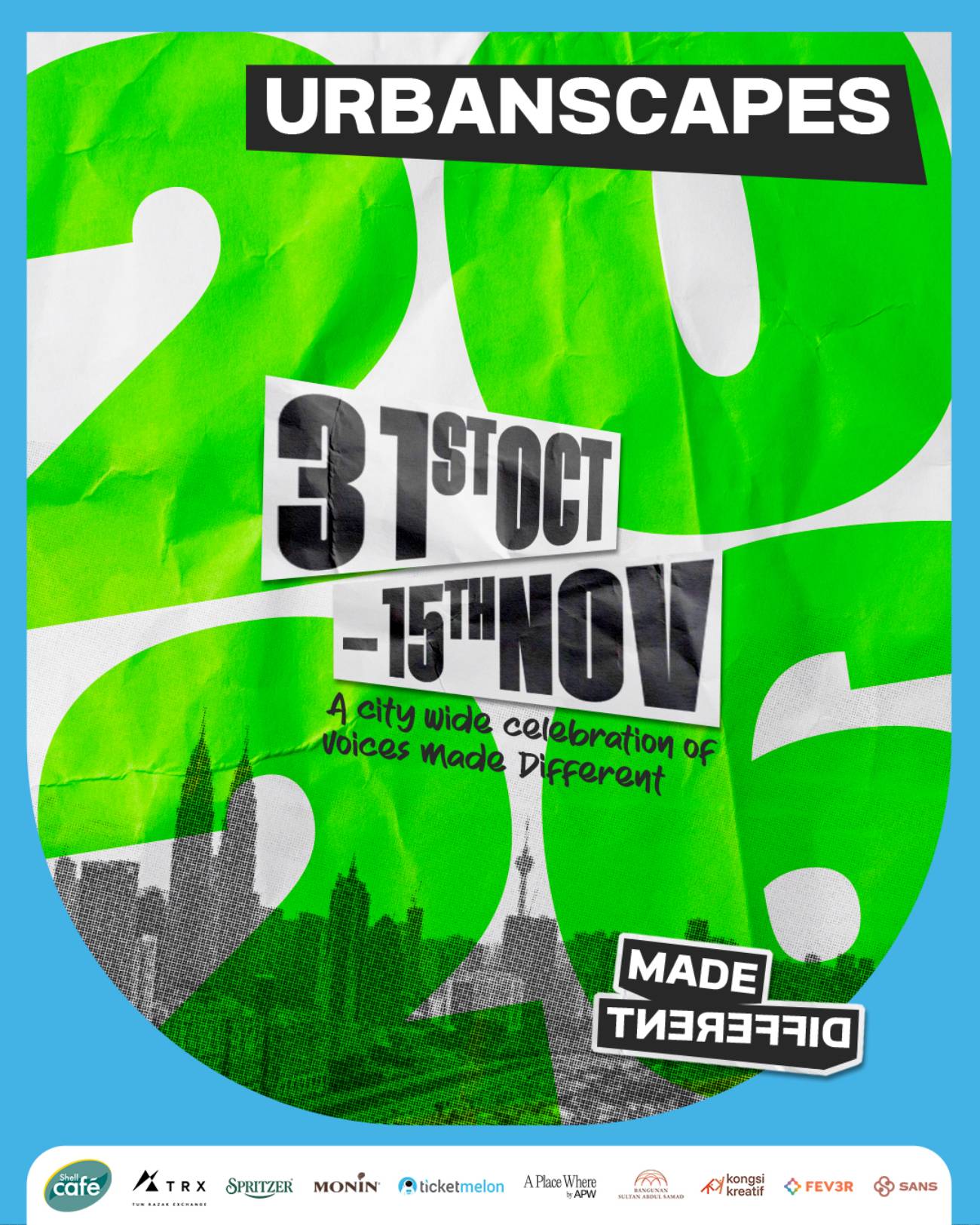
Urbanscapes 2026 returns to Kuala Lumpur from 31 October to 15 November. It is the first edition in seven years.
The festival brings 16 days of art, music, talks and food to venues across the city. They include TRX, Bangunan Sultan Abdul Samad and APW Bangsar. Organisers call the experiences free.
Here is what is on, when and where, and what to check before you go.
What the Urbanscapes brings back
The theme is “Made Different”. It celebrates people with distinct views and ways of creating.
Urbanscapes gives these voices space to turn ideas into work others can see. However, Urbanscapes 2026 puts scale second and people first.
Founder Adrian Yap said the plan is simple. “We’re going back to basics by starting with the people and the ideas they want to share.”
Also, the return starts the build-up to Urbanscapes’ 25th anniversary in 2027. Activities will run through the coming year.
Then, programmes fall into two strands. Everyday Inspiration puts commissioned work in public spaces, while Shared Moments brings people together.
Everyday Inspiration includes Udara Fest by Studio Soüfflé at TRX. Large inflatables line a walking route that runs to 15 November.
The festival lands in a busy calendar. Earlier this month, the World Bachata Festival Kuala Lumpur marked its 16th edition.
The Urbanscapes opening weekend
CRE.ATE 2026 by Cult Creative runs at Sky Society KL from 30 October to 1 November. It has talks, workshops and a marketplace.
The event targets content creators and independent businesses. Speakers include Shalma Ainaa, Kim May Chee and Dee Alimin.
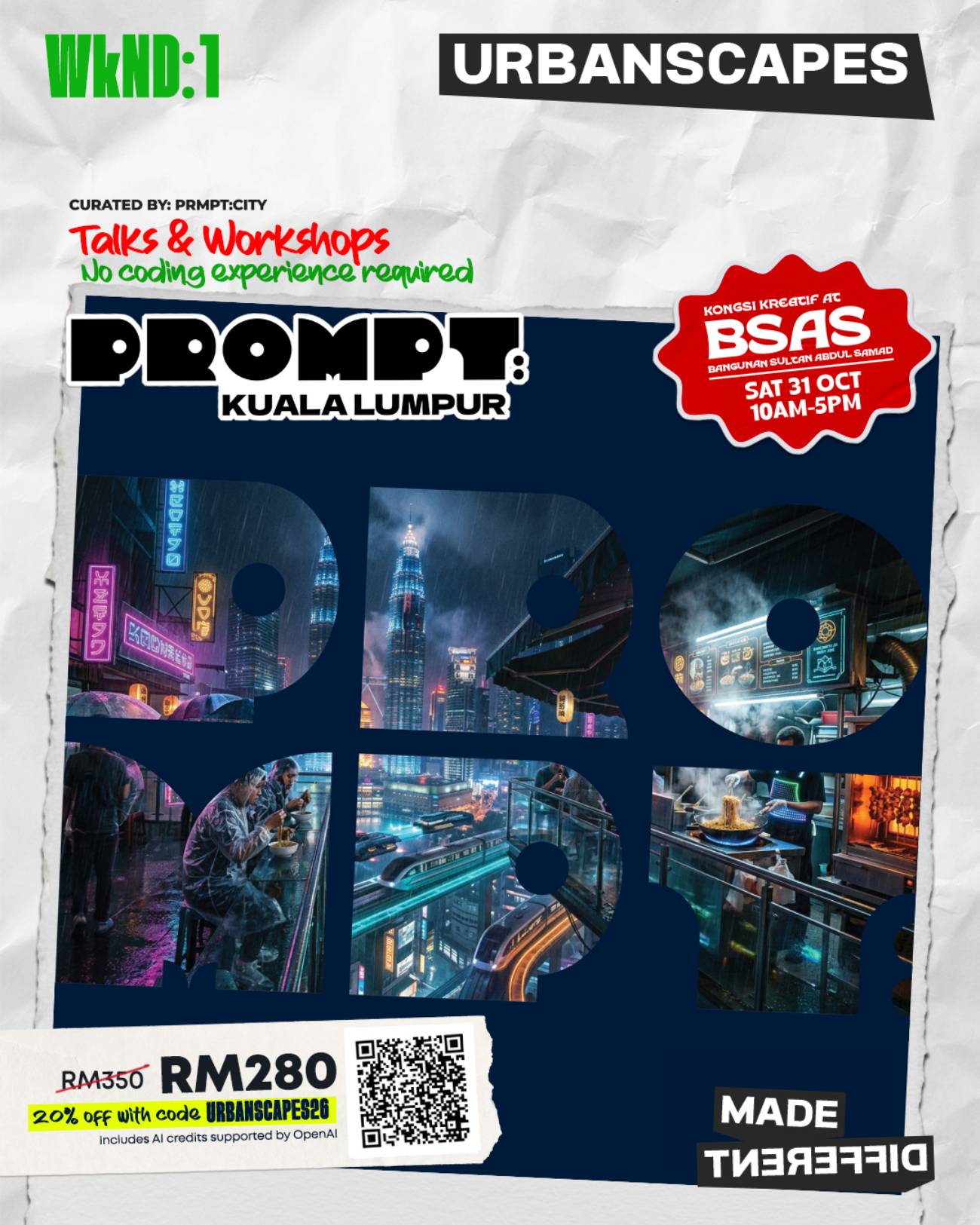
Meanwhile, Past Forward takes over Bangunan Sultan Abdul Samad on 31 October and 1 November. It has musicians, workshops and talks. Urbanscapes 2026 also brings Spritzer, the hydration partner, with Hydration Houses there and at TRX.
The Shell Café Barista Cup also runs there. Because Shell Café is the coffee partner, it will serve coffee and pastries from a mobile truck across three venues.
It will sell a “KL Story On Every Cup” tumbler collection, with designs by Dania Mah and Adnin. Coffee has a long local story, as our look at Malaysian coffee culture shows.
Nostalgia, nightlife and the closing weekend
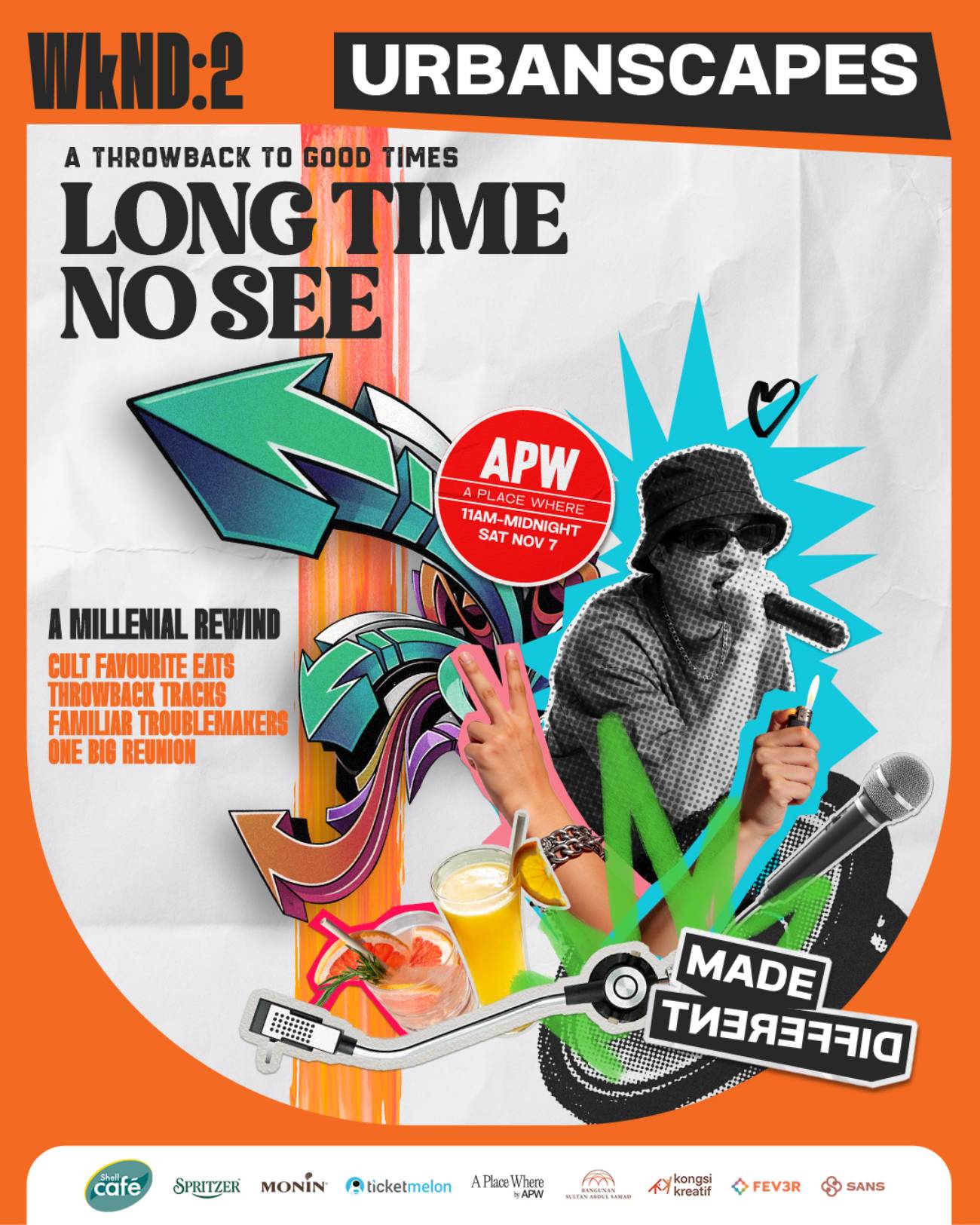
Long Time No See at APW Bangsar is on 7 November, from 11am to midnight. It celebrates the people and places of late-2000s Kuala Lumpur.
Mimosa will revisit the sounds of the era. Also, food pop-ups include Palate Palette and Back In Service.
Night Shift, an exhibition, runs from 7 to 14 November at APW Bangsar. Roshan Menon and Callen Tham curated it.
It joins other recent showcases of art in Kuala Lumpur. The show looks at Kuala Lumpur nightlife from 1997 to 2003 through flyers, posters, photographs and interviews. In addition, it shows how clubs became spaces for music and design.
Sunny Days at TRX closes the festival on 14 and 15 November, from 12pm to 10pm. It spotlights emerging voices in music, fashion, food, design and street culture.
Off The Track curates the Sunny Stage.
Organisers did not name performers for Sunny Days. However, for admission and registration, follow Urbanscapes on Instagram, Facebook and TikTok. Check them before you go, so you do not miss a sign-up.



 C. Khor
 Sashidaran Gunathevan
 Admin
Admin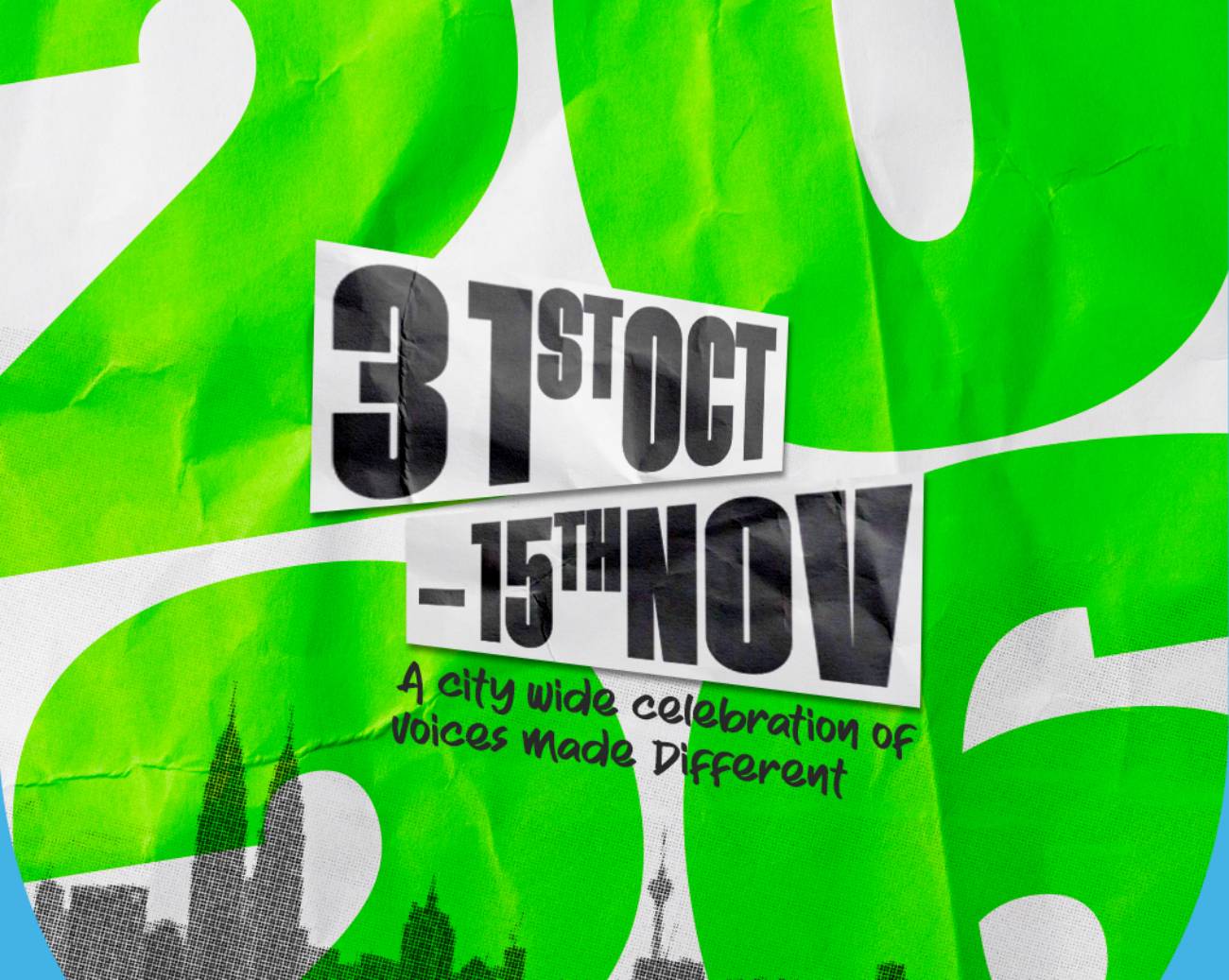


Add comment