


 Admin
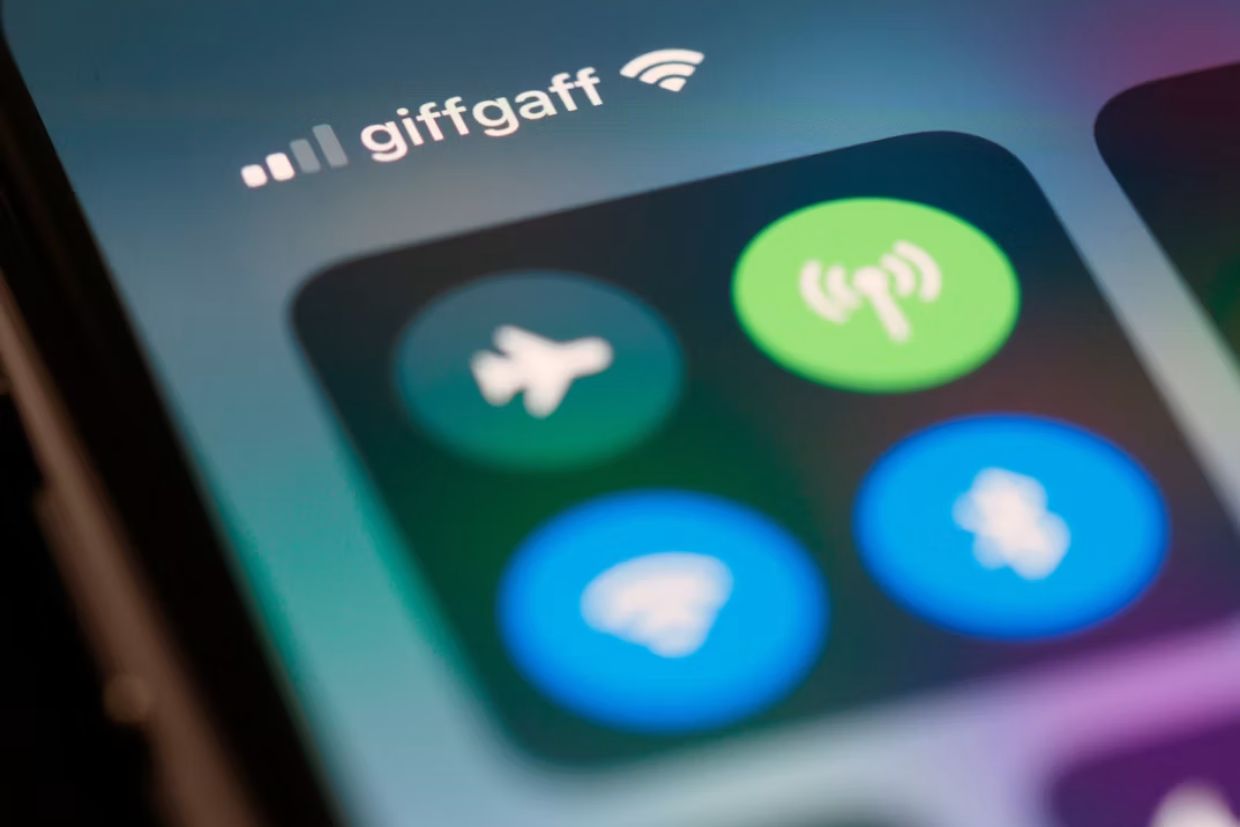
AdminThe Wi-Fi might work perfectly well in a hotel, but sometimes online payments may fail for reasons that are not immediately obvious. The website loads normally, the credit card information is accepted, and then the confirmation window hangs or disappears. One possible reason is the way hotel networks manage browser sessions, captive portals, and redirects during the payment process.
Travelers make purchases through hotel internet for various things like booking transport, subscription services, food delivery services or entertainment websites. It is good to be aware of how the website processes deposits, withdrawals and account verification before inputting payment information into an unknown platform. Readers can check the longfu casino overview for a clear breakdown of games, payments, and user experience. A review cannot solve a weak network connection, though it can show what payment process a user should expect before starting.
Hotel Login Pages Can Remain Active in the Background
Most hotel networks use a captive portal. This is the page that appears after a guest connects to Wi-Fi and requests a room number, surname, access code, or acceptance of the hotel’s internet terms.
After login, the portal may seem to disappear. In reality, the network can continue monitoring the connection and redirecting certain browser requests. This becomes a problem when a payment provider opens a separate verification page.
Most banks use extra card verification mechanisms. A customer is supposed to verify the transaction within the banking application, enter a one-time code, or authorize the transaction via a pop-up window in the browser. This new web page will be considered by the hotel network as another session and sent back to the Wi-Fi authorization page.
Now, a customer will see a blank page, a spinning loader, or an error. There are situations where the transaction will stay pending since the merchant received only a part of the request while the bank did not get the last confirmation.
The issue becomes more common when the hotel requires guests to log in again every few hours. A payment session can begin just as the Wi-Fi access period expires. The network reconnects, the verification token becomes invalid, and the process must start again.
Opening a simple website before making a payment can reveal whether the hotel login page is still active. If the portal appears again, completing the Wi-Fi login first may prevent the payment window from being interrupted.
Verification Windows Depend on Stable Browser Sessions

Online payment systems often pass the user through several websites within a few seconds. The customer typically starts on the merchant’s page, moves to a payment processor, reaches the bank’s verification page, and then returns to the merchant.
Each step uses temporary session information. The browser needs to remember where the payment began and which transaction is being confirmed. A short connection drop can break this chain.
The Wi-Fi network used in hotels is often shared by many devices. During busy periods, network congestion or temporary interruptions may occur. Video streaming may continue because content has already been buffered, whereas payment authentication requires continuous communication and security tokens that may expire quickly.
Browser privacy settings can also affect the process. Some payment systems use cookies across several domains. A browser that stops all third-party cookies will make sure that the result page cannot send results to the merchant website.
It does not mean that users should disable all privacy settings. A better approach is to understand which setting caused the problem and make a temporary change only when the payment provider is trusted.
A similar issue can appear when a browser automatically opens payment links inside another app. For example, a link may begin in a travel app, open the bank page in a small internal browser, and then fail to return to the original checkout. Opening the merchant directly in a standard browser can create a more stable session.
Mobile Data Is Often Better for the Final Confirmation
A hotel Wi-Fi connection may be suitable for browsing, reading reviews, checking prices, and filling in forms. The final payment confirmation often works more reliably through mobile data.
Switching networks during an active payment can create another failure, so the change should happen before the transaction begins. The user can close the checkout page, disable Wi-Fi, open the merchant again through mobile data, and restart the process.
This approach also reduces exposure on a shared network. However, although most payment pages have an encryption protocol, there could be risks associated with the use of a misconfigured public network, such as fake login pages and security alerts and traffic redirection.
It is important to take into account some key considerations before using hotel Wi-Fi to make payments:
- Verify that the hotel’s staff gave you the right Wi-Fi name
- Make sure the browser shows a secure connection
- Avoid continuing past certificate warnings
- Complete the Wi-Fi portal login before opening the checkout
- Keep the banking app updated
- Use mobile data for the confirmation stage when possible
- Save the merchant’s support details before paying
Travellers using a foreign SIM card should also check whether banking messages can still arrive. Some banks send one-time codes only through SMS. A local travel SIM may provide mobile data while the original number remains inactive.
Dual-SIM phones make this easier. One SIM can handle data while the home number stays available for bank messages. The phone settings should be checked before the payment begins because changing the default SIM during verification can close the banking app or refresh the browser.
Failed Payments Should Be Checked Before Trying Again
When a verification window disappears, many users immediately repeat the payment. This can create duplicate pending charges.
A failed page does not always mean the transaction failed. The bank may have authorised the amount while the merchant is still waiting for confirmation. Temporary holds can remain visible for several days even when the order was never completed.
The first step should be checking the merchant account, email inbox, and banking app. A completed order usually has a reference number or confirmation message. A pending bank transaction without a merchant confirmation requires more caution.
Repeating the payment with the same card may create another hold. Using a second card can make the situation harder to track because the traveller now has pending amounts across two accounts.
Screenshots are useful when contacting support. The image should show the error message, time, amount, and page address without exposing the full card number or security code. The hotel’s Wi-Fi name may also help explain why the session was interrupted.
It is also worth noting the exact stage where the problem occurred. A failure before bank verification suggests a merchant or payment processor issue. A failure after approval in the banking app may mean the result did not return to the merchant.
Not every payment failure on hotel Wi-Fi is caused by the network itself. Problems may also arise from the merchant, payment gateway, issuing bank, browser settings, or fraud prevention systems.
Hotel Wi-Fi problems are rarely serious, though they can create confusion at the worst moment. A traveller may be trying to buy a train ticket, confirm a late airport transfer, or pay for a service before a deadline.
A few small steps make these situations easier to avoid. Complete the hotel login first, use a standard browser, keep the connection stable, and switch to mobile data before starting the final payment. When a page fails, check the transaction status before trying again.
Online payments depend on several systems working together. Hotel internet adds one more system to that chain, and it is often the least predictable part.











Add comment